Gridgets

Grid-based desktop widgets for GNOME Shell.
Snap widgets to a clean grid and bring your desktop to life.

Features

Everything you need to make your desktop yours.

Grid Alignment

Snap widgets cleanly to a responsive desktop grid. No more floating windows cluttering your workspace.

Individual Styling

Customize colors, fonts, border radii, and border widths for every single widget to match your setup.

Themes

Switch the look of all your widgets in one click. Pick from curated themes or build your own palette.

Multi Monitor Settings

Place widgets across every display. The grid adapts per monitor so your layout stays consistent on any screen.

Widget Showcase

Every widget in the Gridgets store.

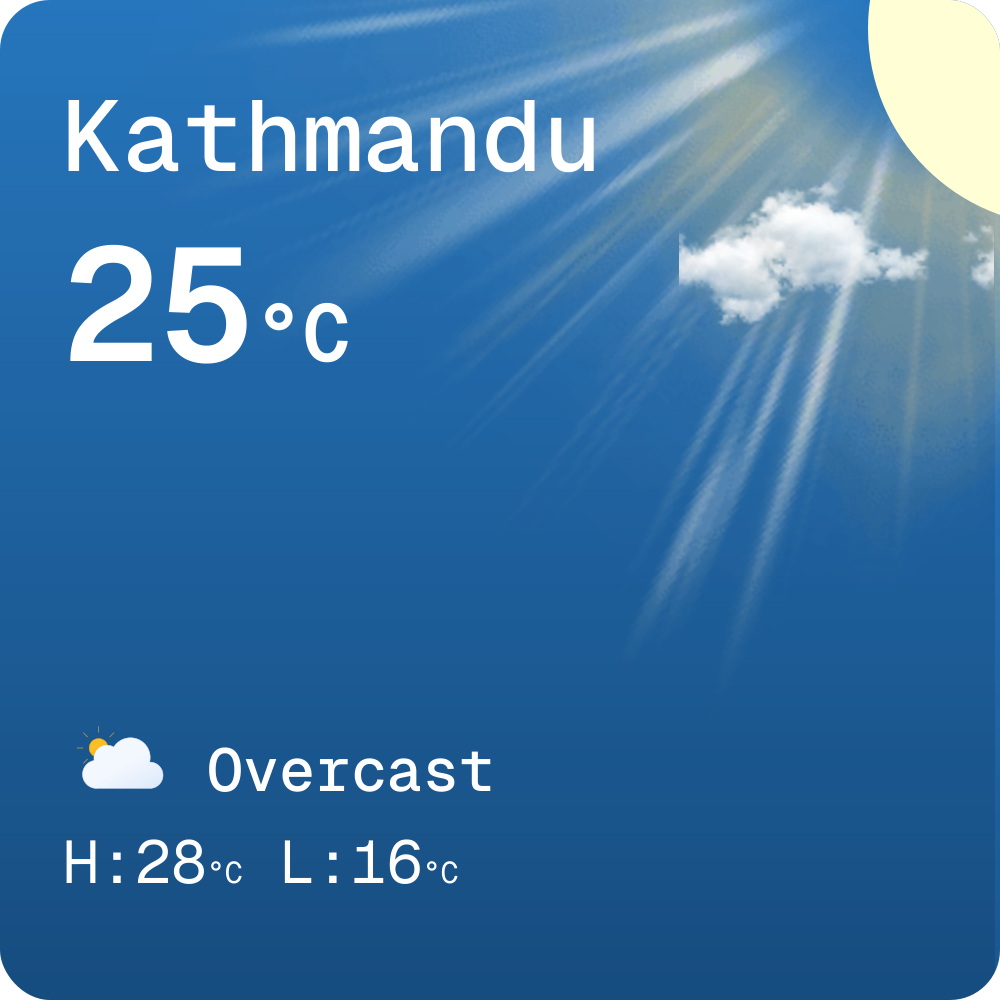
Weather
Weather Standard

Weather Standard

3×3

A clean weather widget with current conditions and temperature.

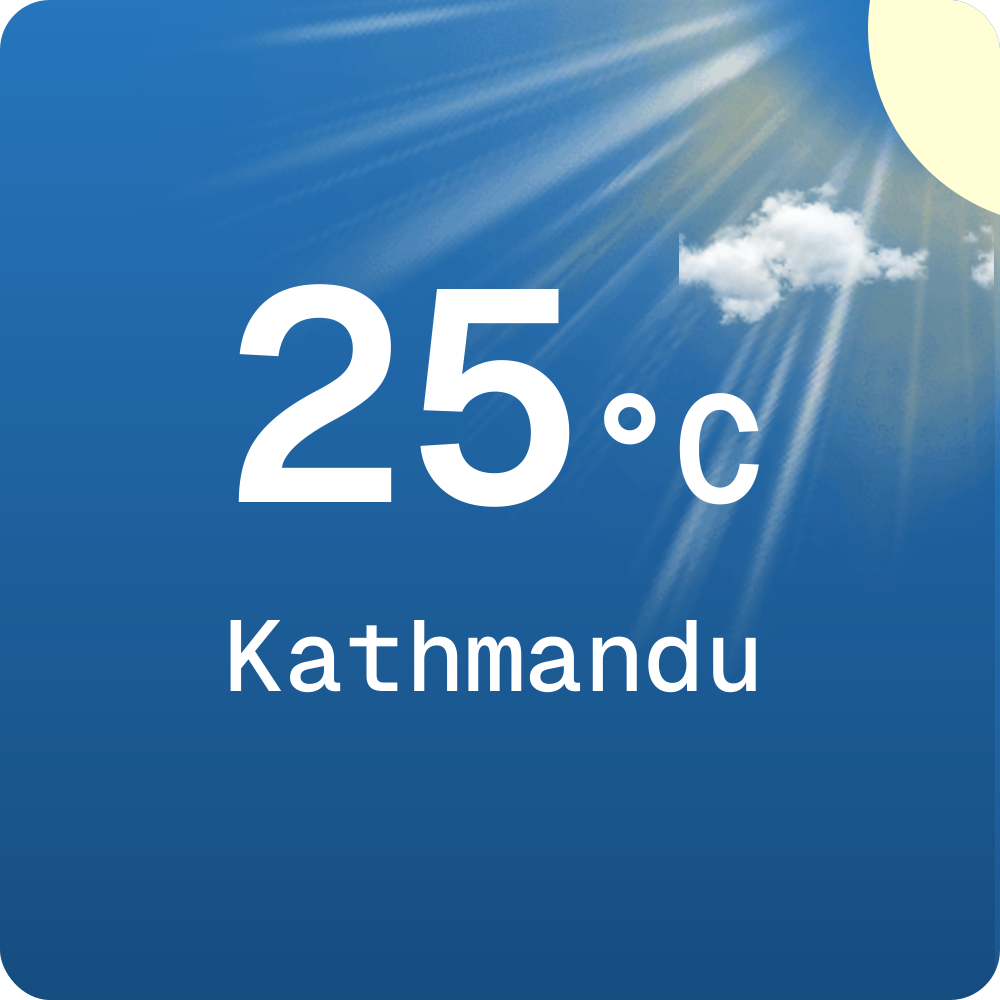
Weather Minimal

Weather Minimal

3×3

A compact weather widget focused on the current condition and temperature.

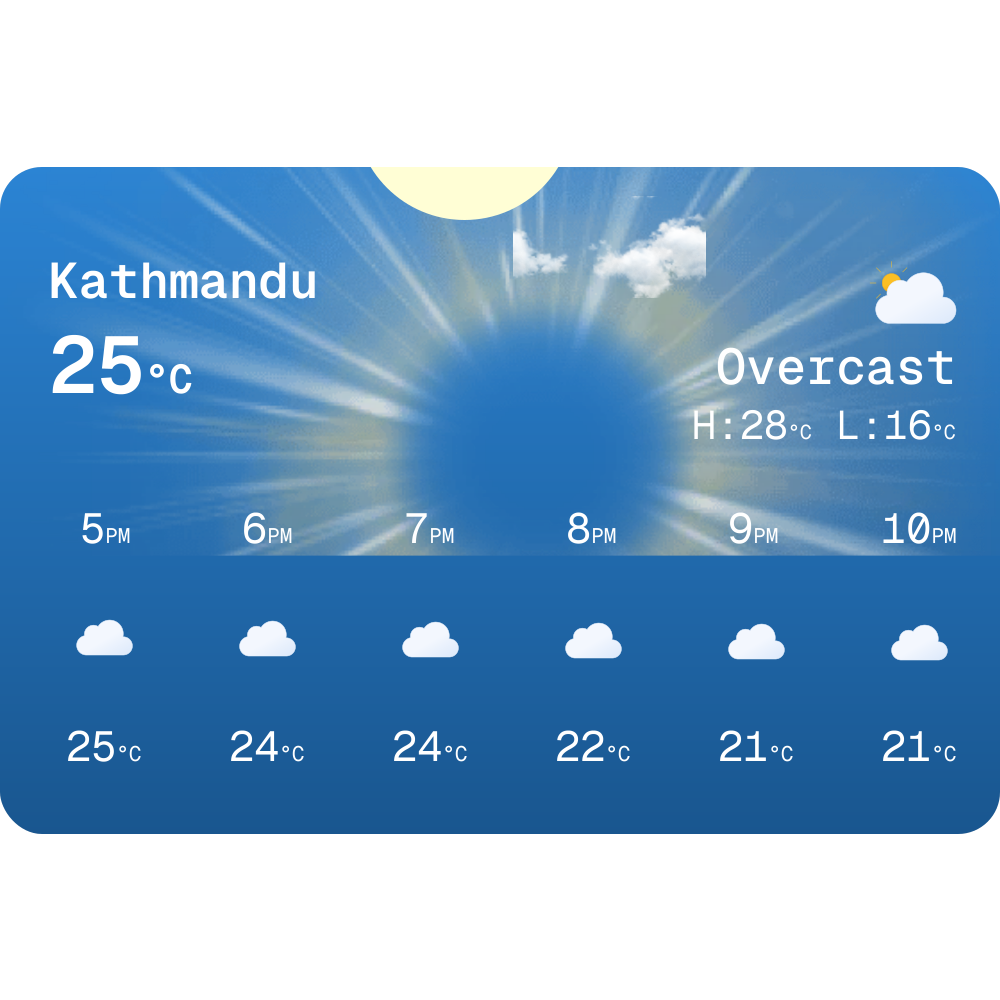
Weather Forecast

Weather Forecast

6×4

An expanded weather layout with hourly forecast details.

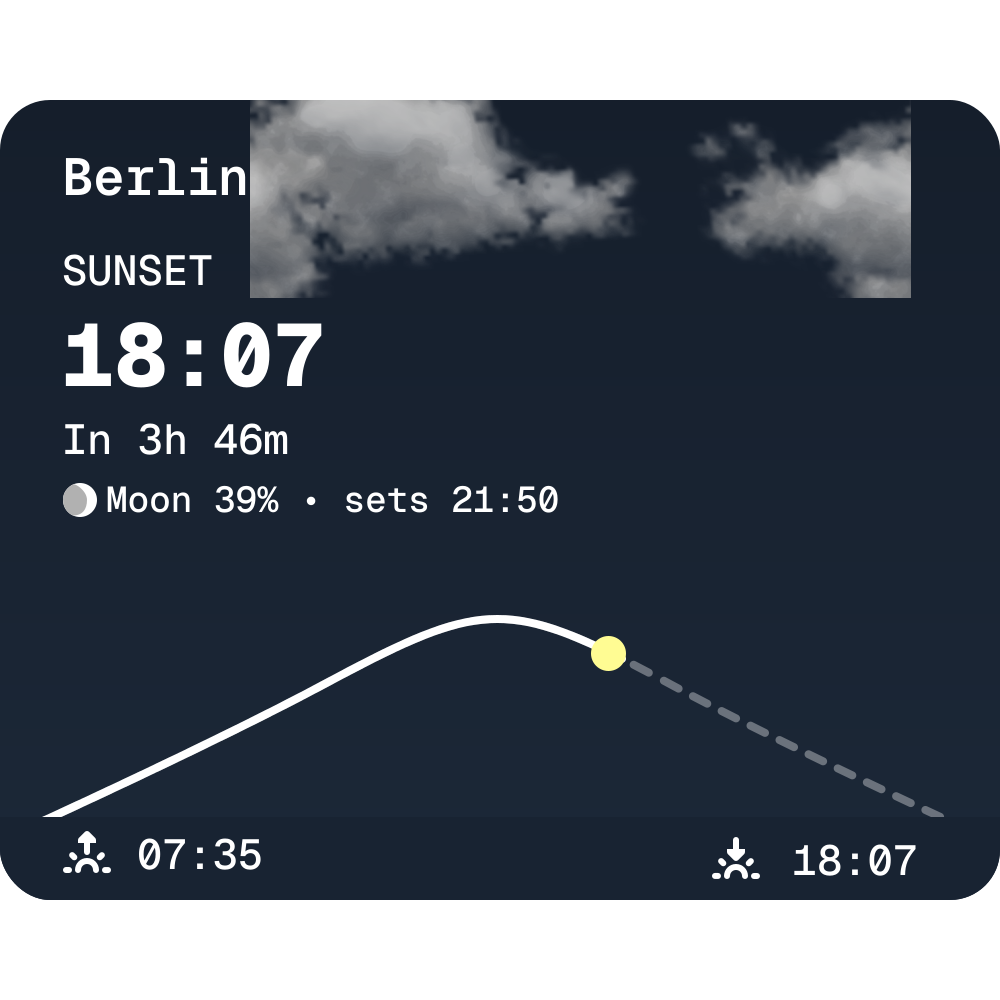
Sun Times

Sun Times

3×3

Sunrise and sunset times for any city, powered by Open-Meteo.

Media

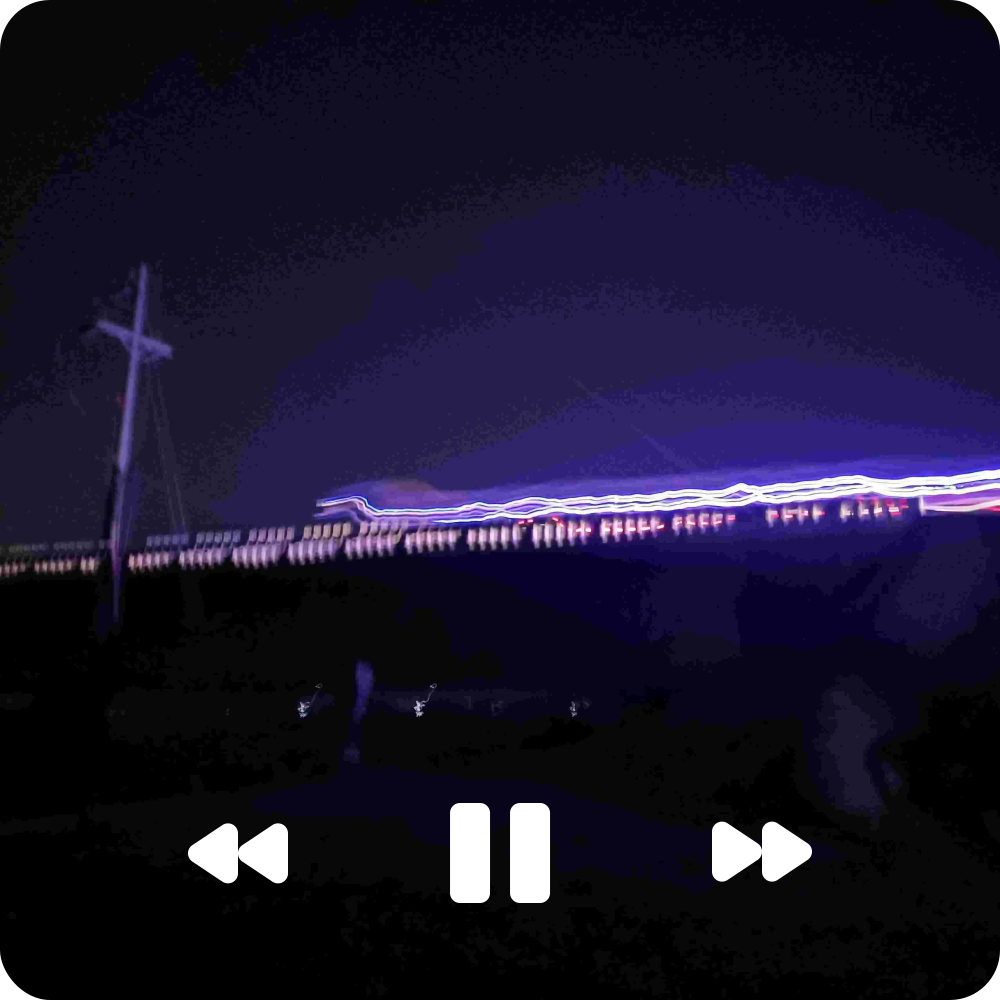
Music Player

Music Player

4×4

Displays the currently playing media album art.

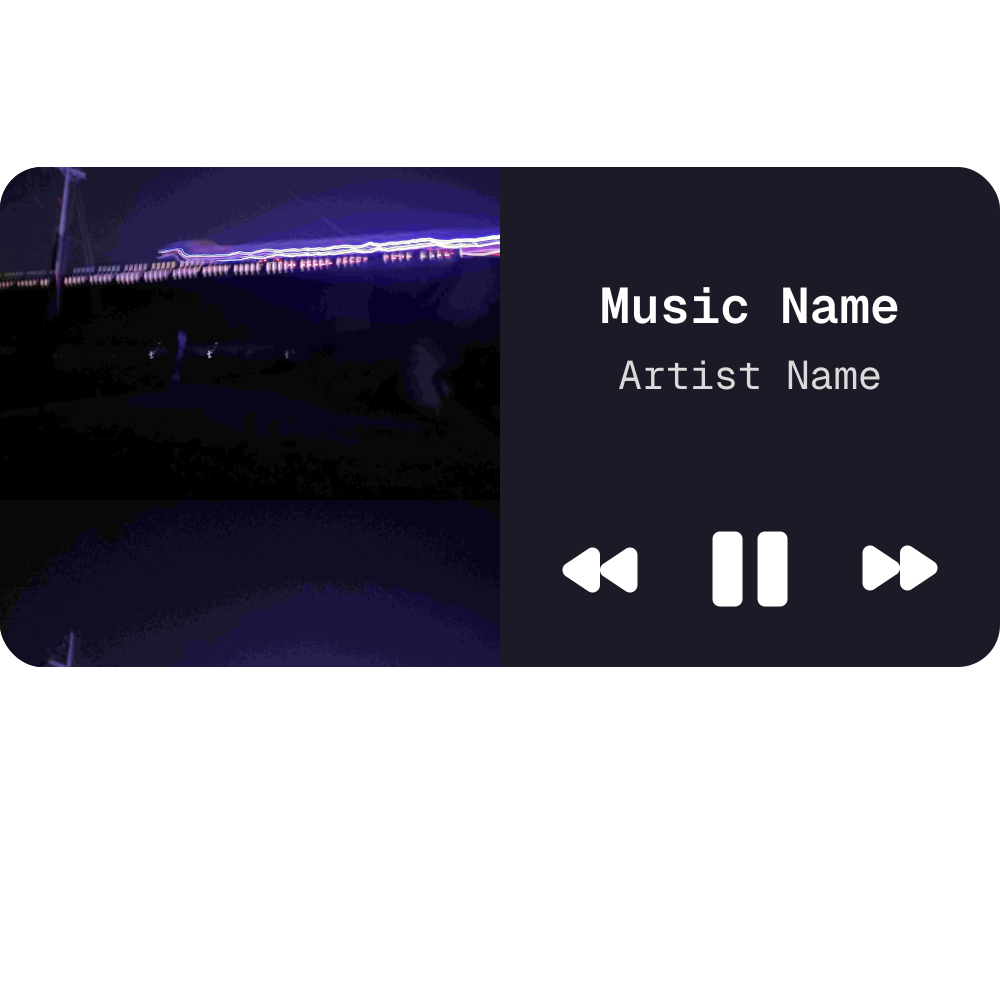
Music Player (Wide)

Music Player (Wide)

8×4

Wide layout displaying album art and player controls.

Image / GIF

Image / GIF

4×3

Display an image or animated GIF directly on your desktop.

Image Slideshow

Image Slideshow

4×3

Cycle through images in a folder with crossfade transitions.

System

System Dashboard

System Dashboard

6×4

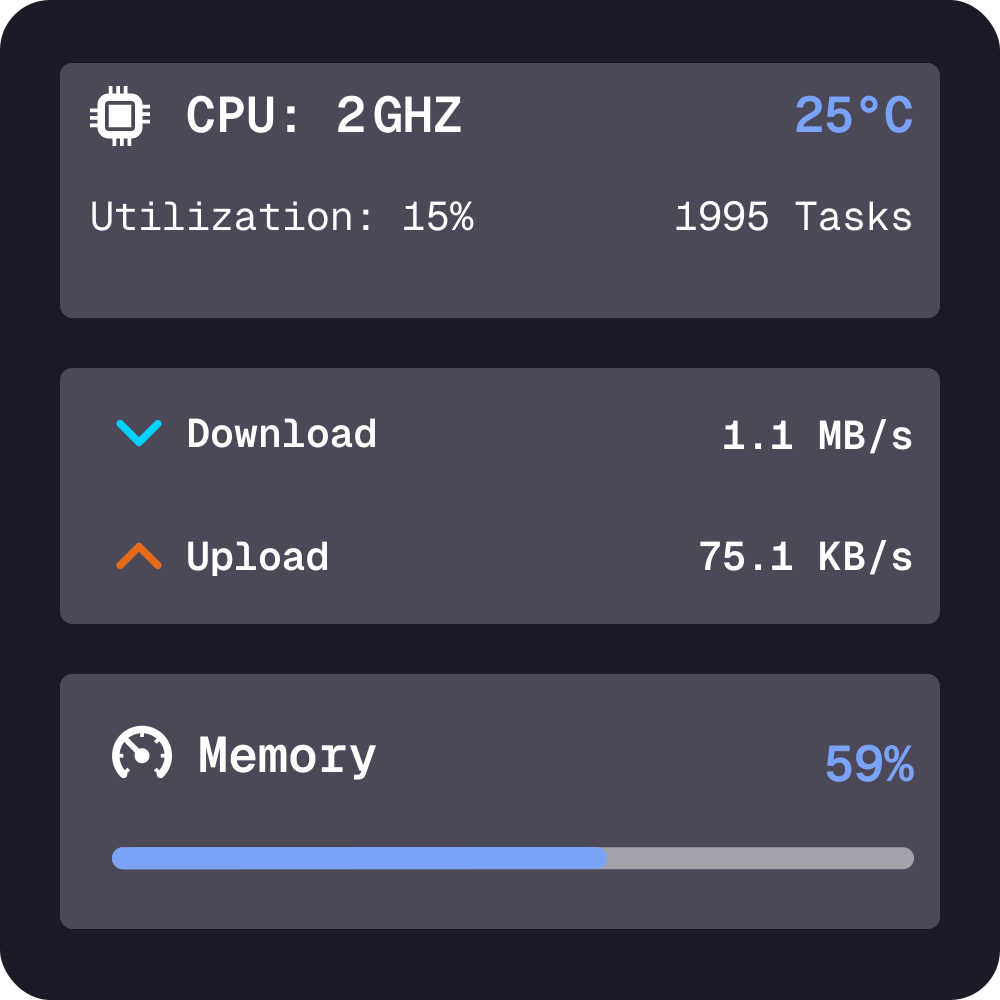
All-in-one dashboard: CPU and memory load, GPU, disk, network, battery, and uptime.

System Monitor

System Monitor

4×2

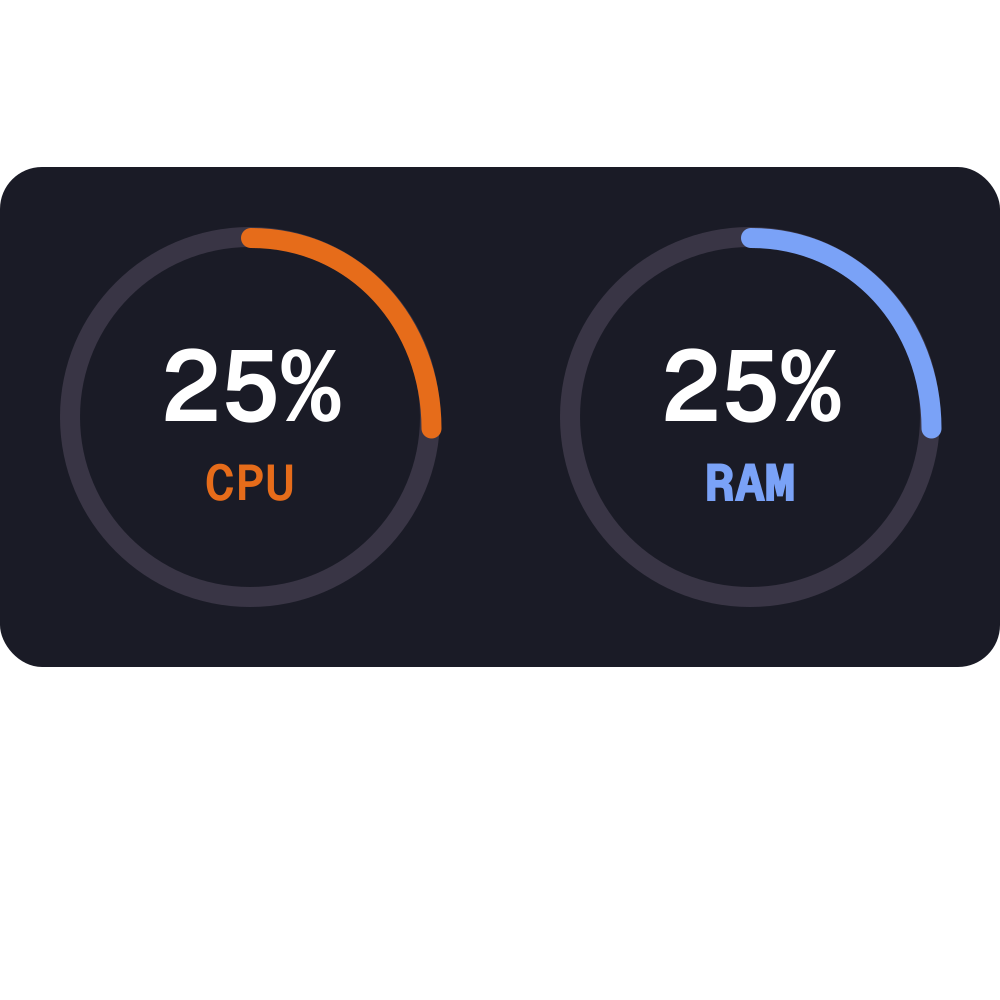
Monitor your CPU and RAM resource usage in real time.

Network Speed

Network Speed

3×2

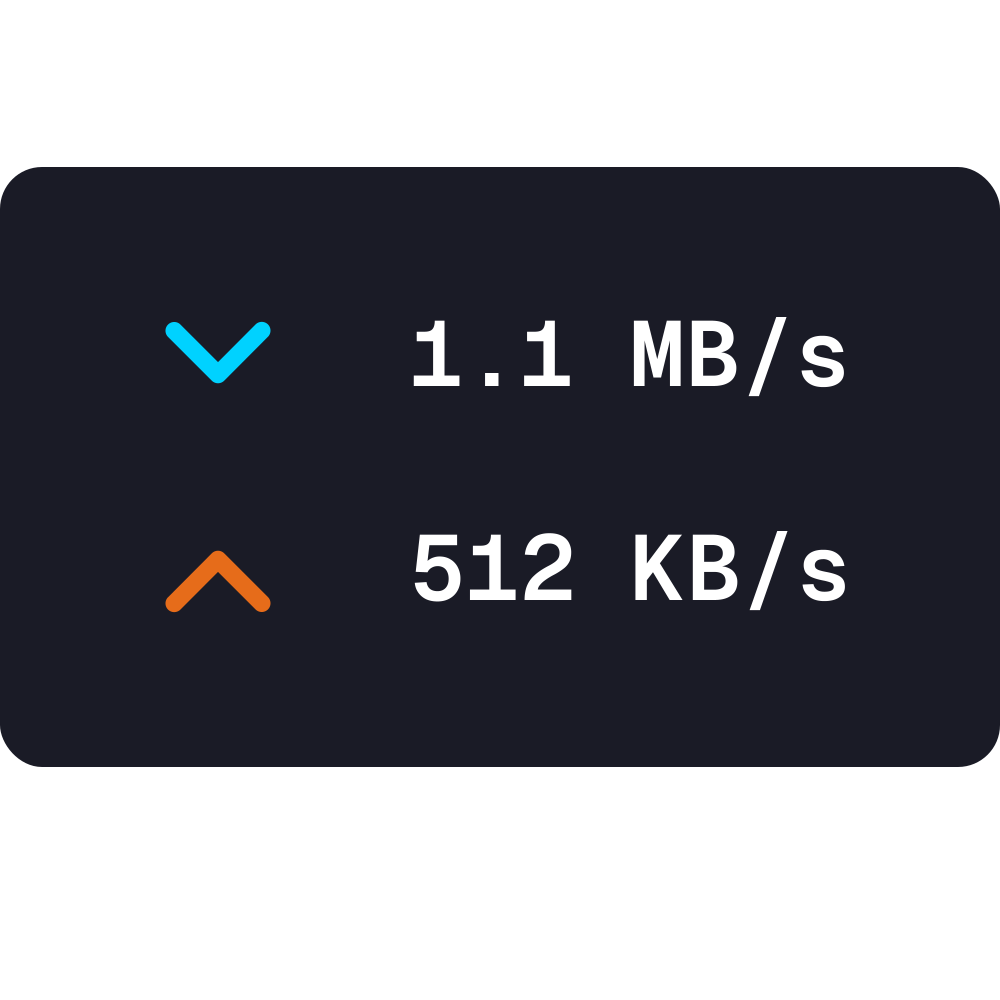
A live tracker for upload and download speeds.

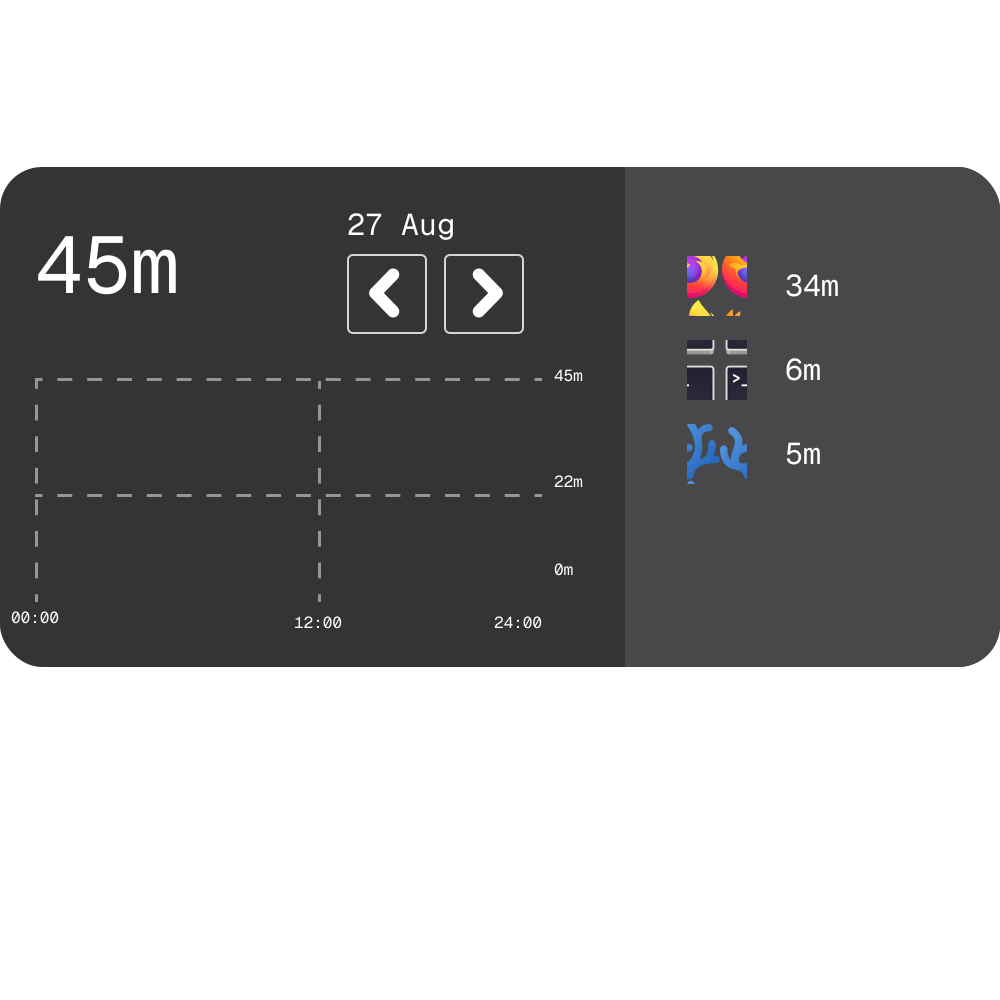
Screen Time

Screen Time

6×3

Track your desktop screen time at a glance.

Focus and Productivity

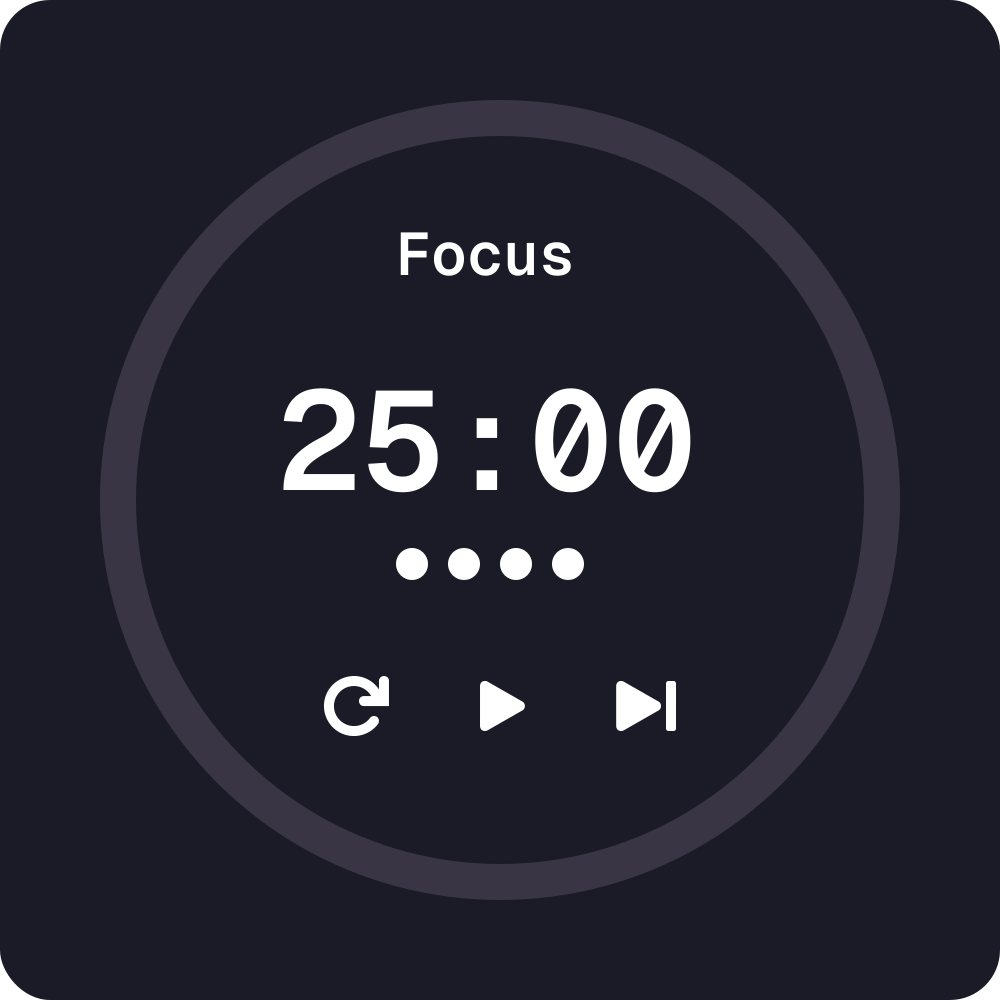
Pomodoro Timer

Pomodoro Timer

4×4

A focus timer with work and break cycles.

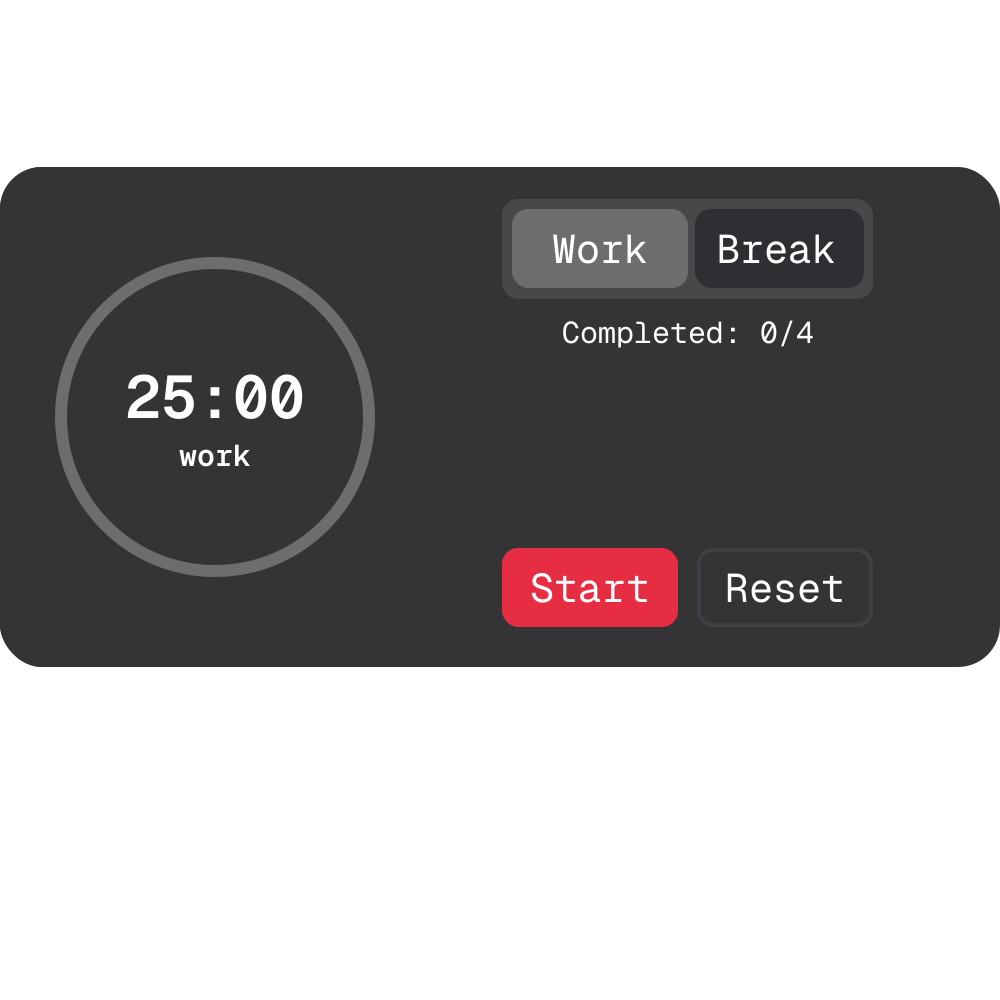
Pomodoro Focus

Pomodoro Focus

4×2

Compact focus timer with mode switching, a circular gauge, and session tracking.

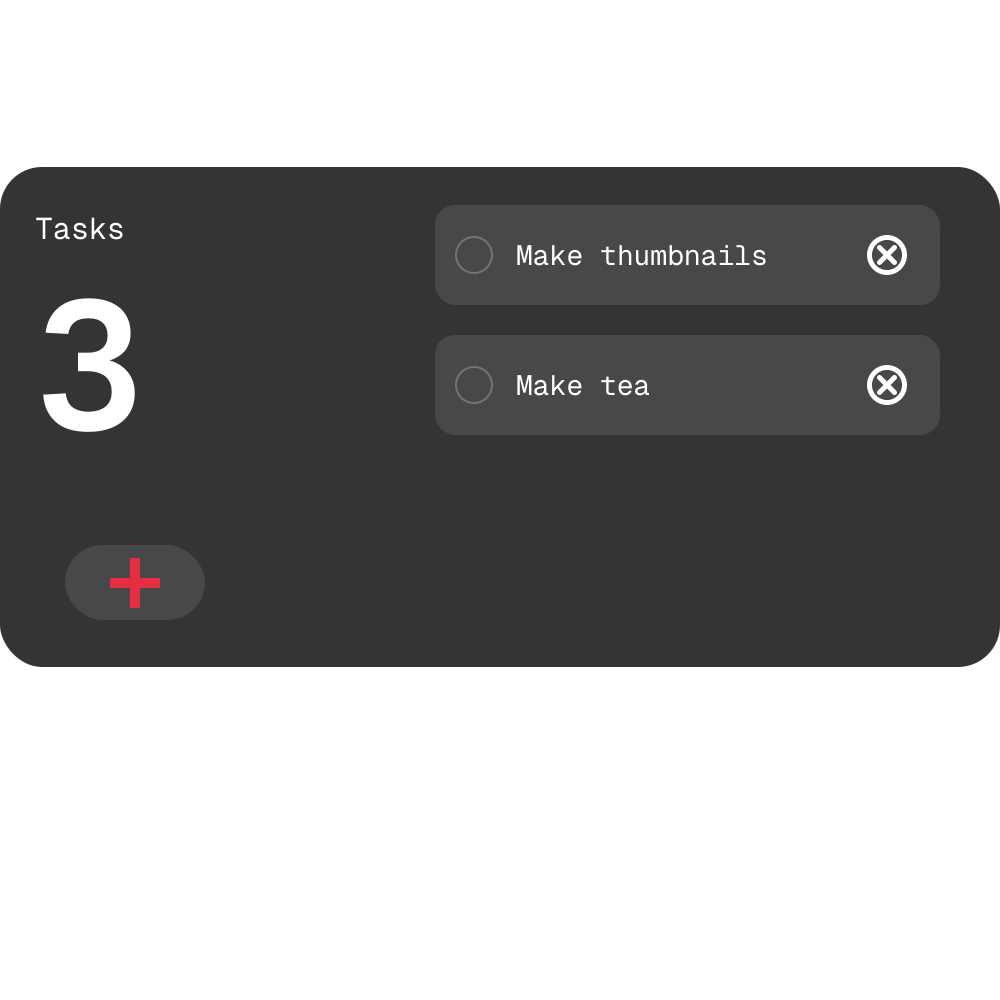
Tasks

Tasks

5×3

A todo list with a pending counter, checkable tasks, and quick add.

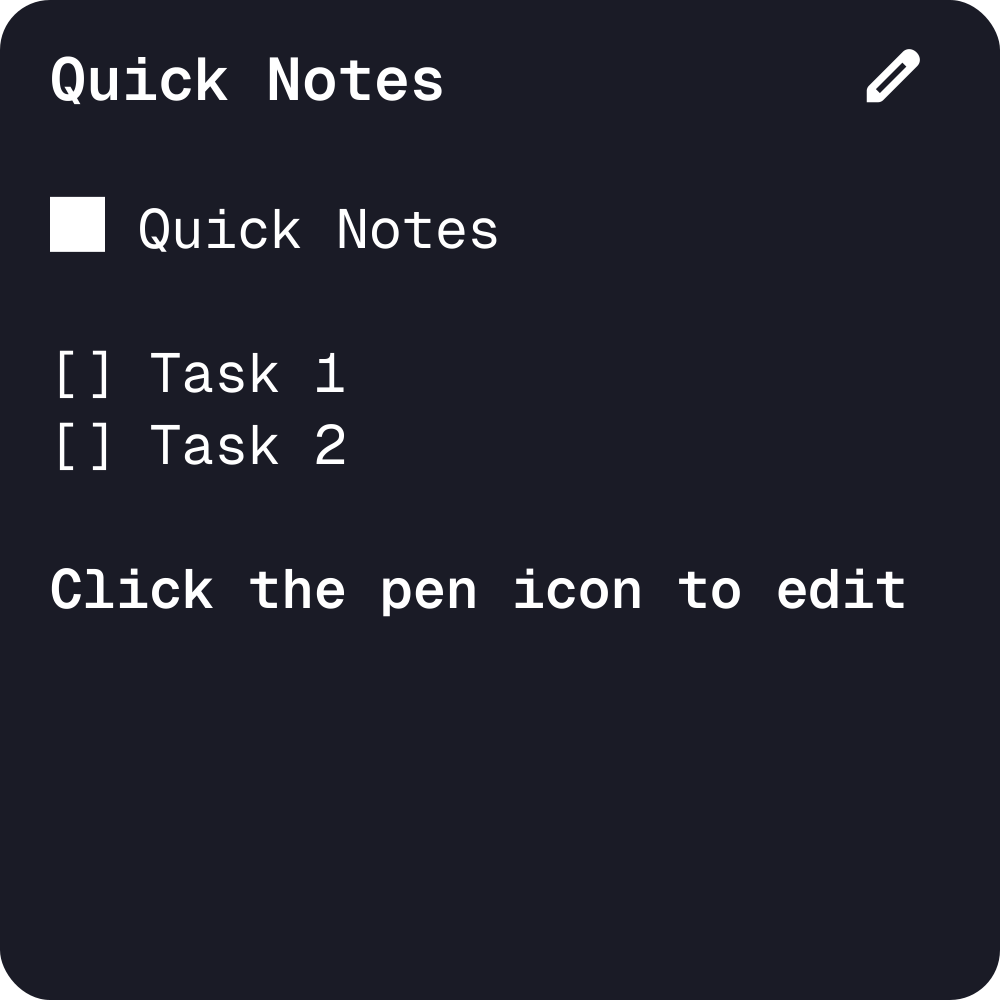
Quick Notes

Quick Notes

5×6

A markdown sticky note to quickly write down notes.

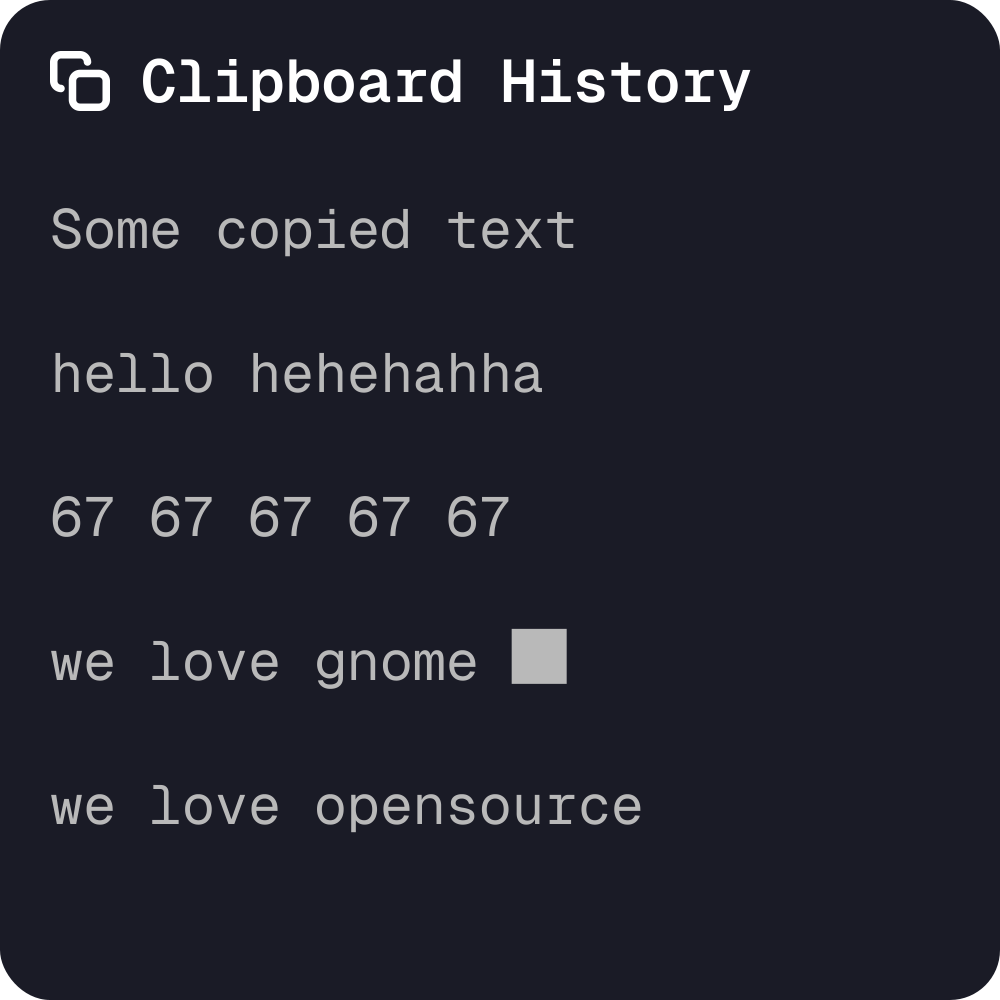
Clipboard History

Clipboard History

7×8

Access a history of your recently copied text items.

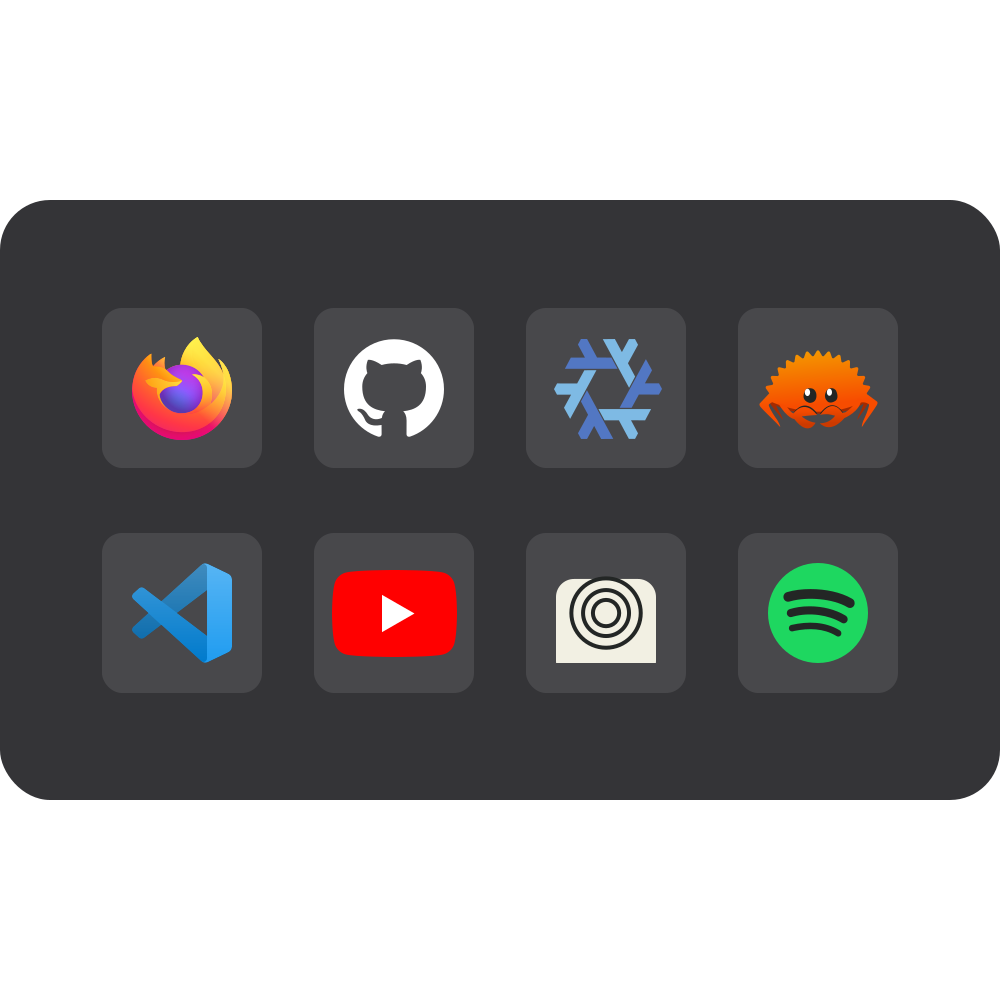
App Launcher

App Launcher

4×3

Launch up to 8 installed applications from a compact desktop widget.

Time and Calendar

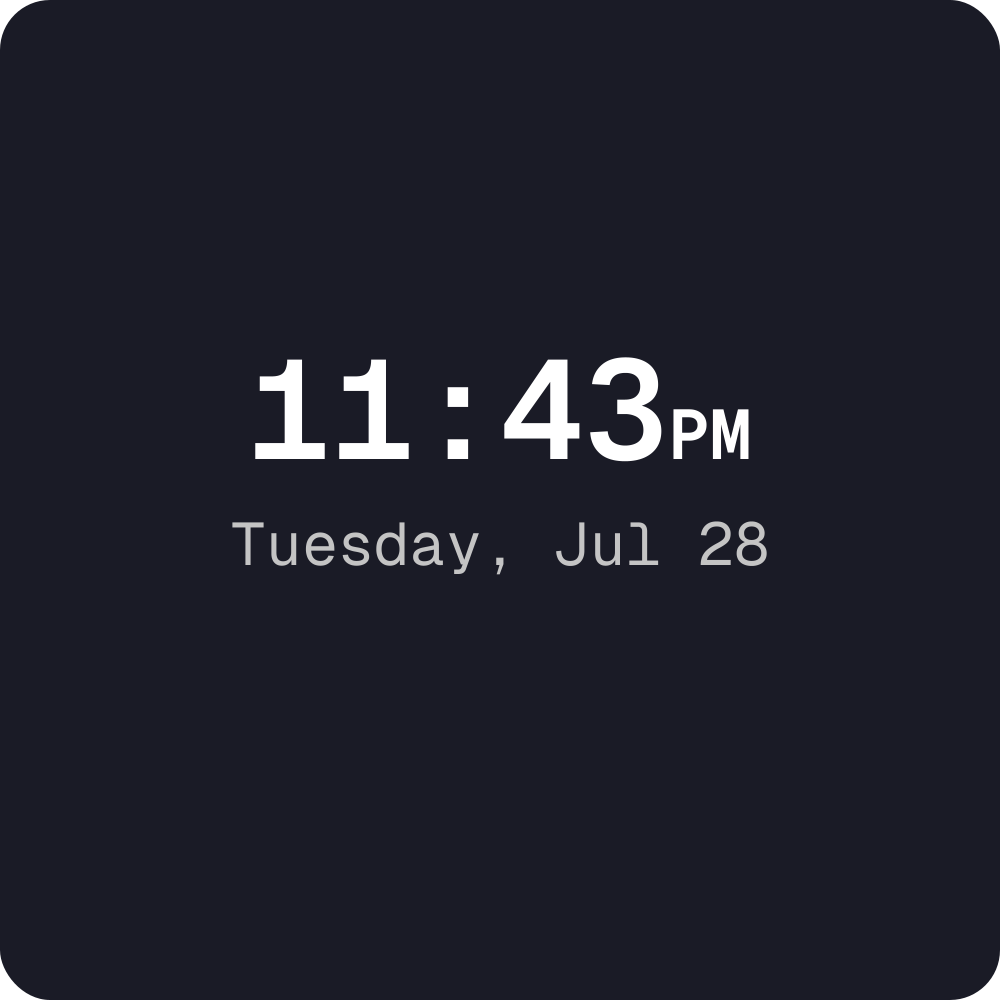
Clock

Clock

3×2

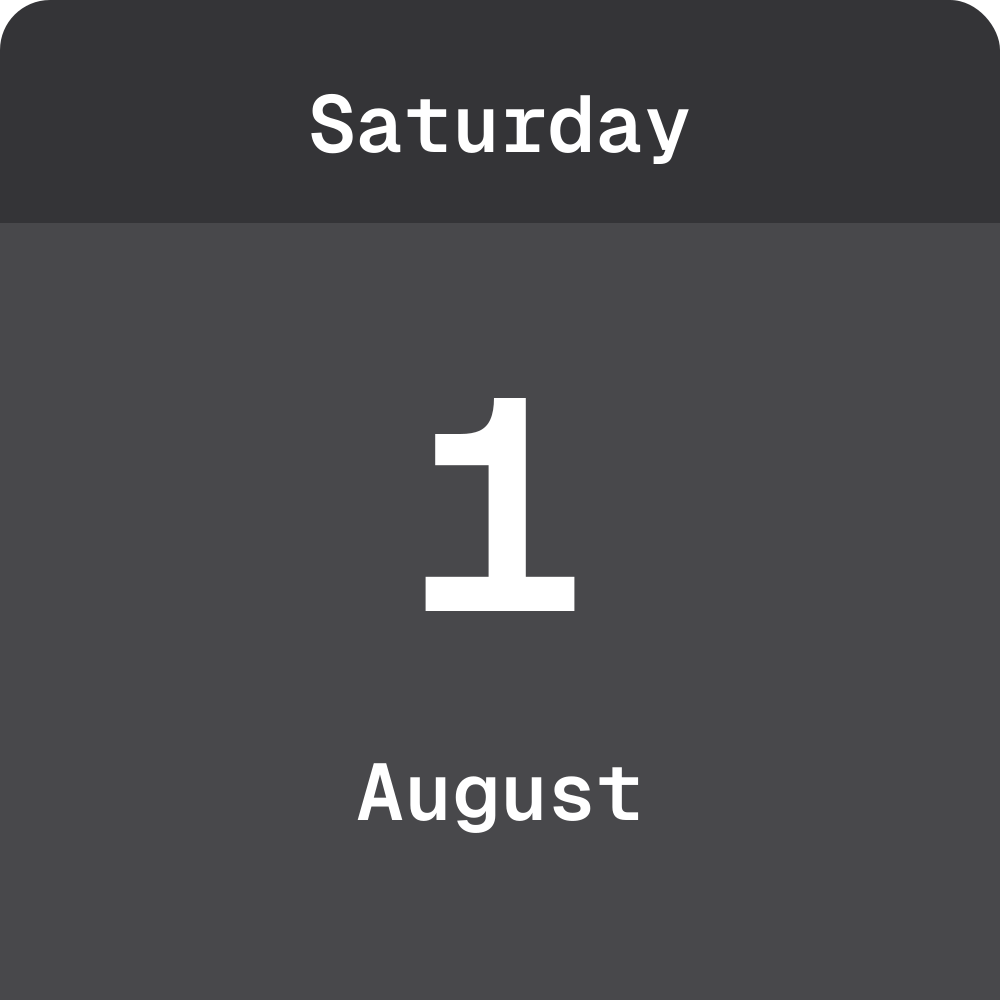
A clean digital clock. No date, no seconds.

World Clock

World Clock

4×4

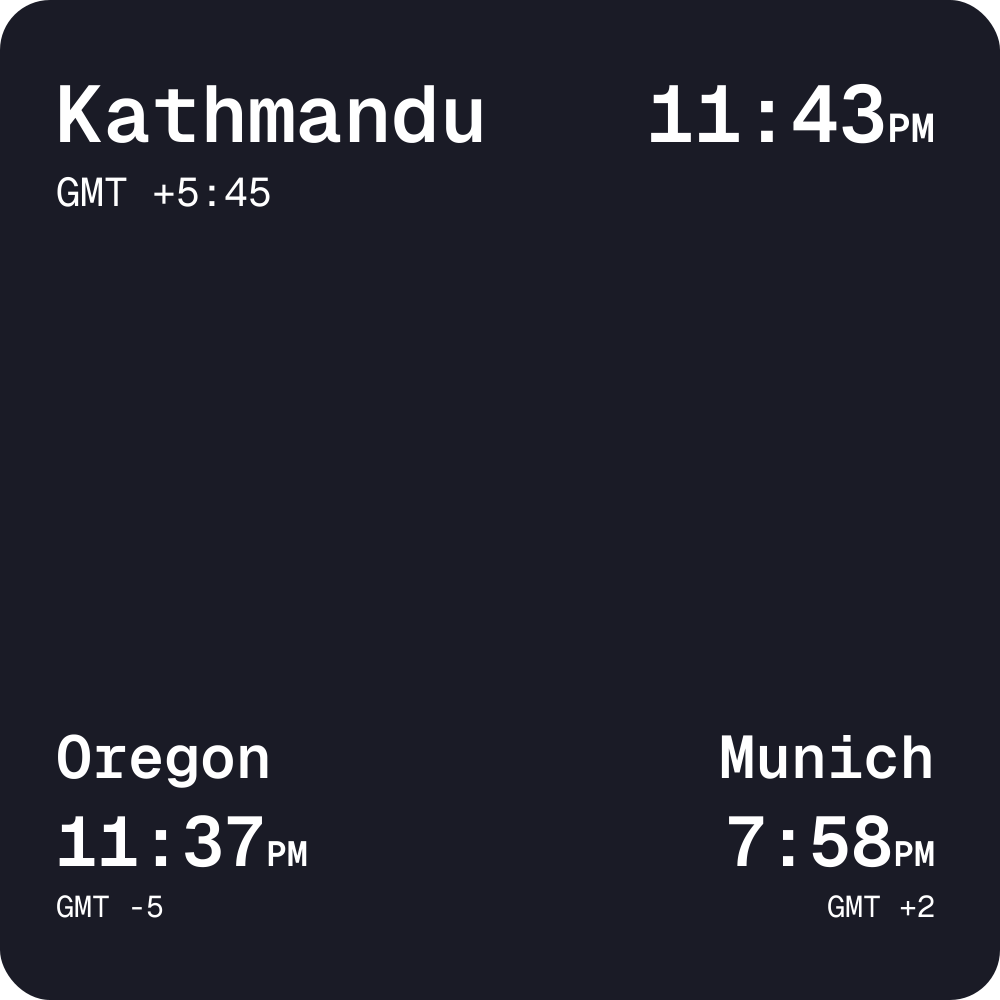
Multi-city world clock displaying time across global timezones.

Calendar Minimal

Calendar Minimal

4×3

A monthly calendar with today highlighted and month navigation.

Calendar Standard

Calendar Standard

4×4

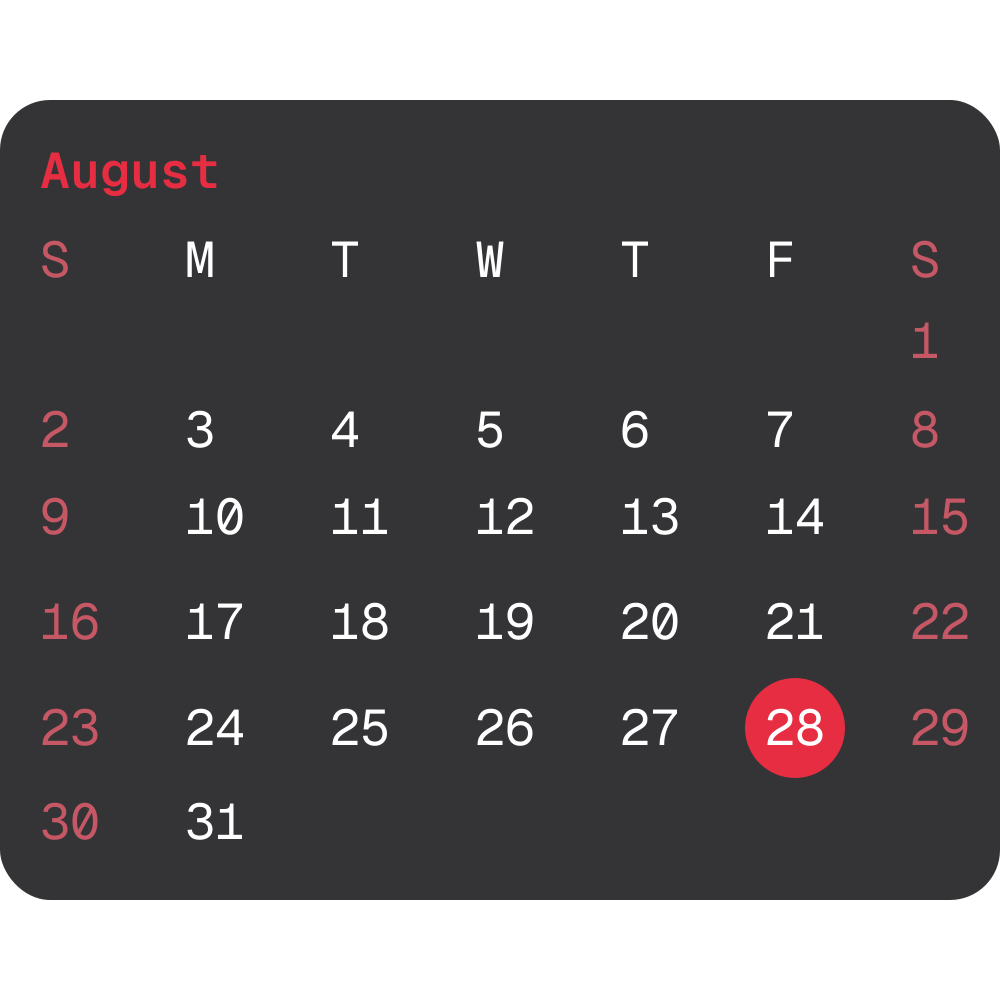
A compact month grid with today highlighted and weekends colored.

Calendar Events

Calendar Events

7×4

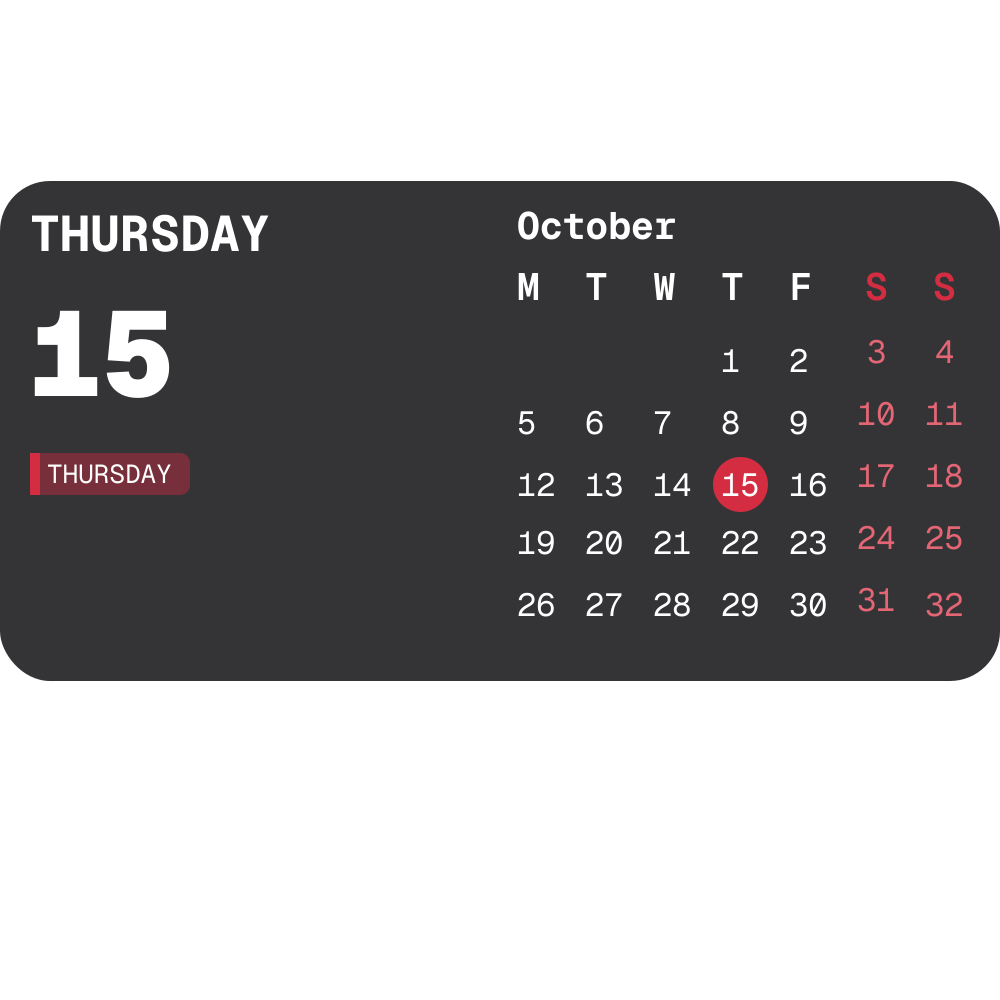
A month grid beside the selected date and its events.

Personal

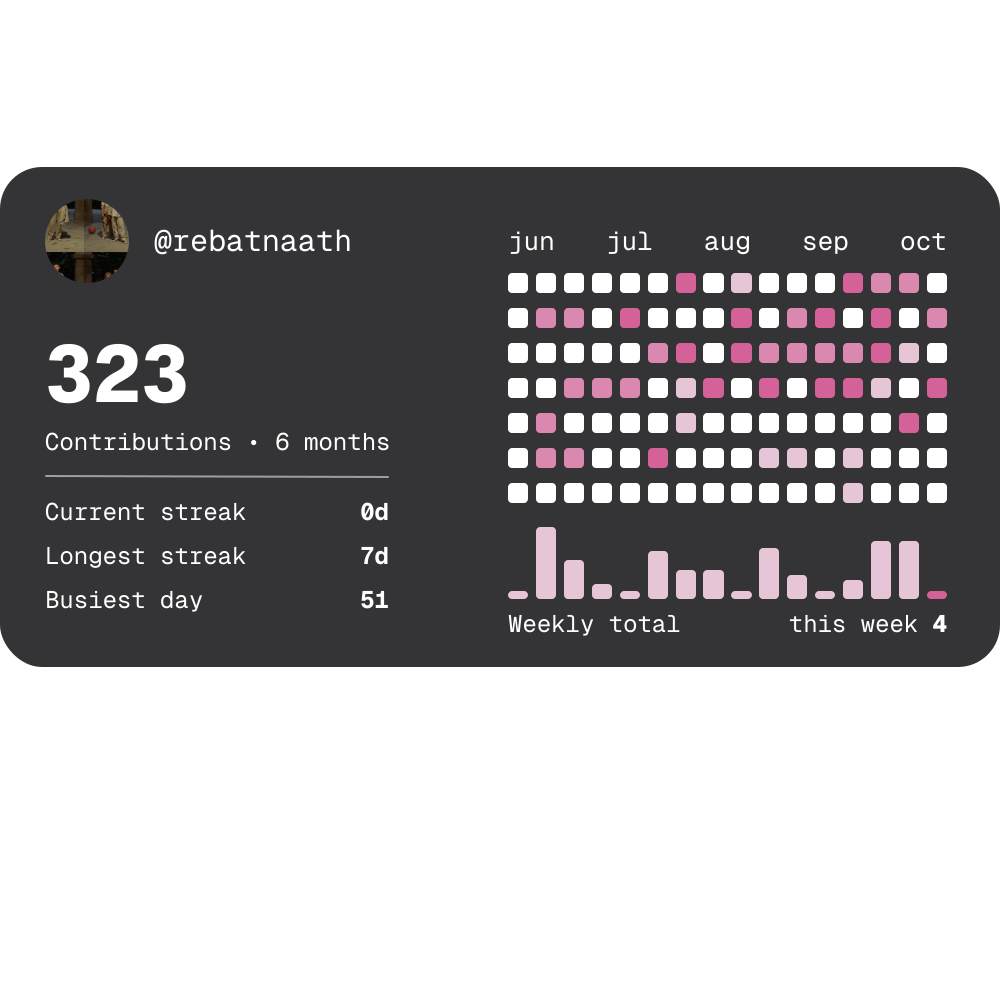
GitHub Activity

GitHub Activity

7×3

Your GitHub contribution graph with avatar, yearly total, and sync status.

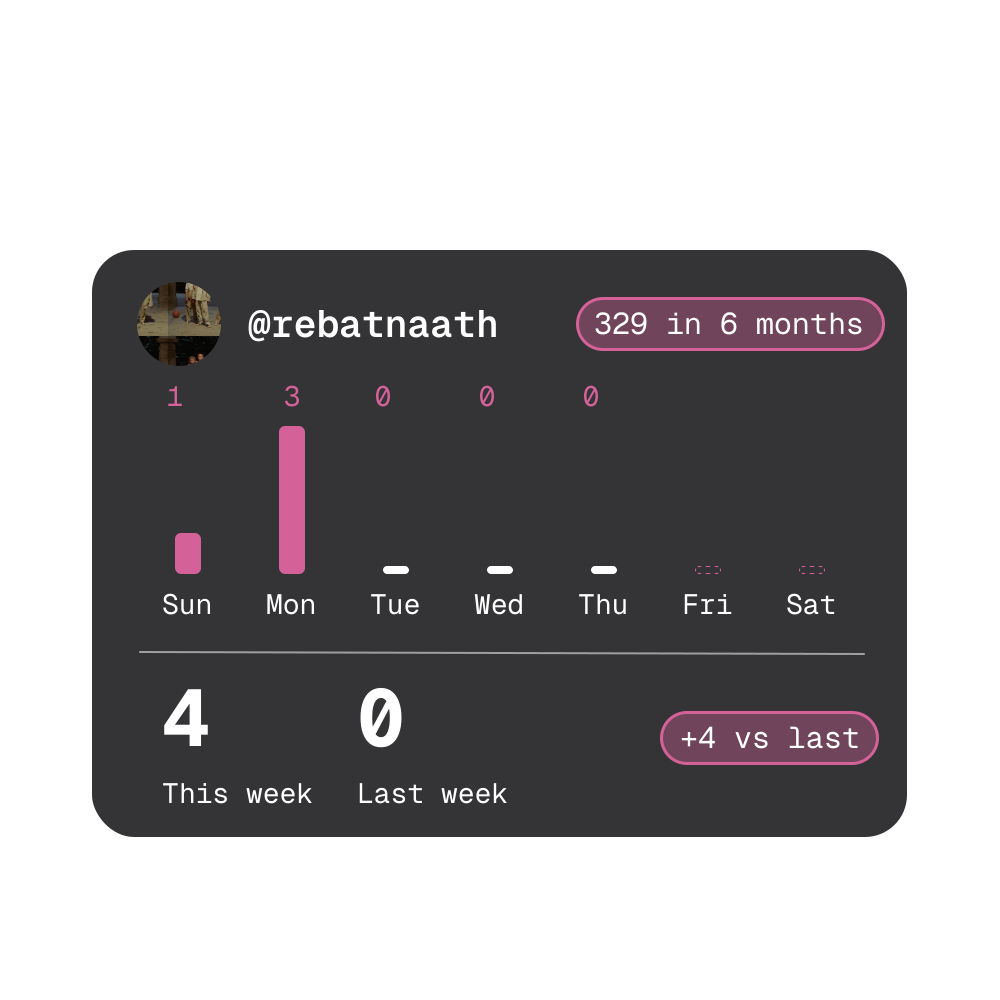
GitHub Week

GitHub Week

5×4

This week’s contributions by day, against last week.

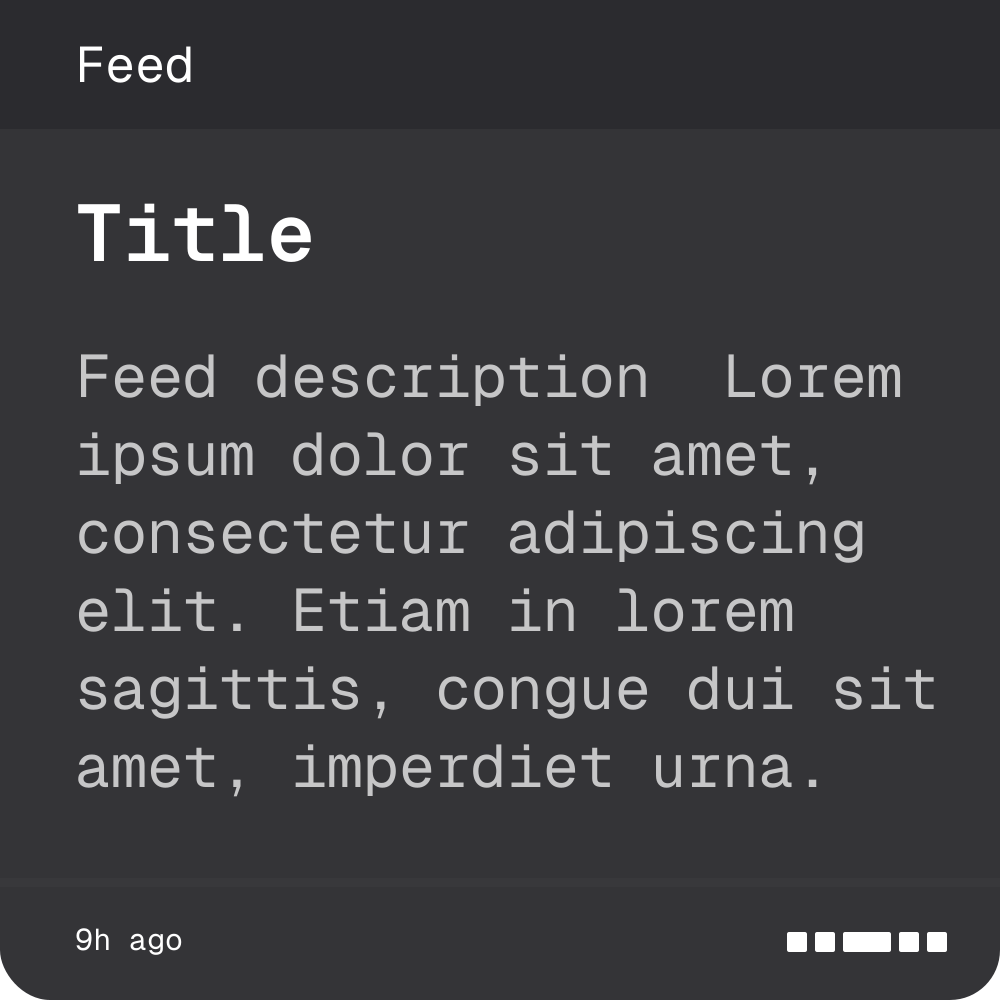
RSS Headlines

RSS Headlines

3×3

A compact card that auto-rotates through article headlines from any feed.

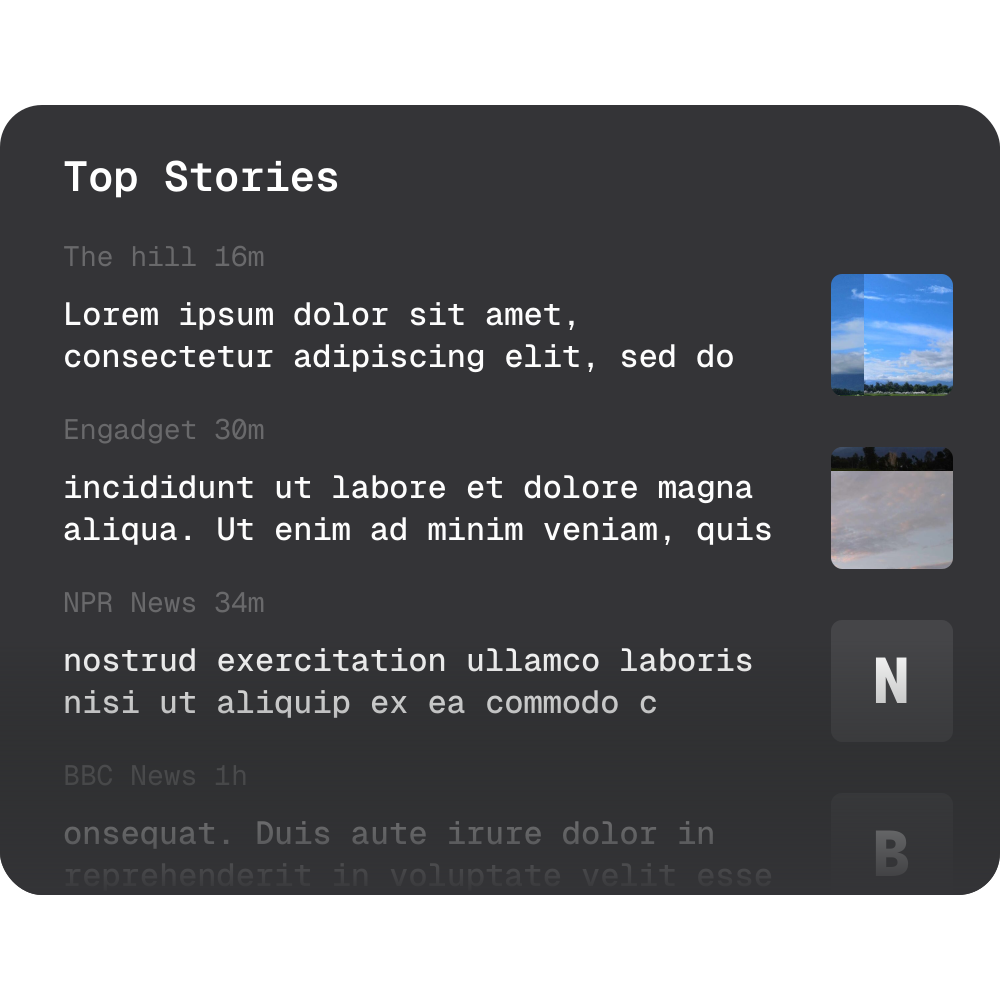
News

News

12×10

A scrolling list of headlines from many publishers, each with its thumbnail.

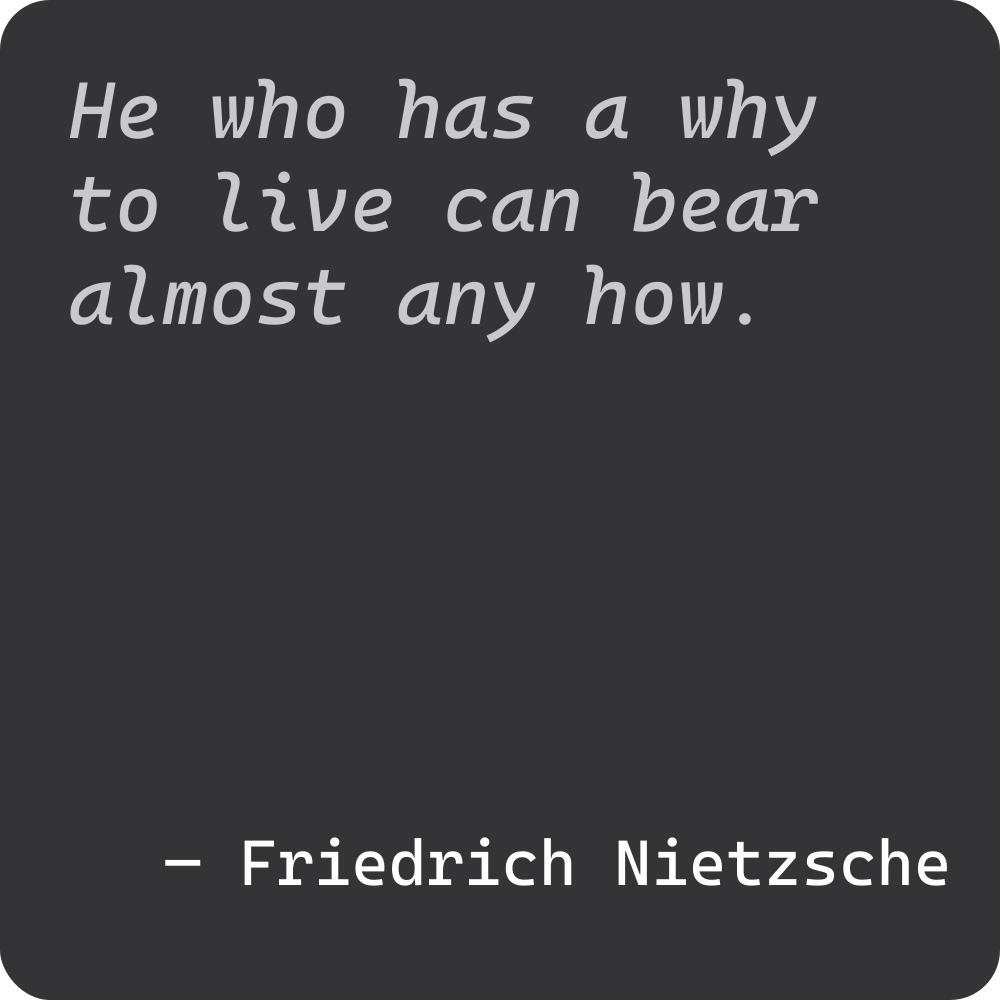
Quotes

Quotes

3×3

Daily quotes from philosophers, programmers, and thinkers that refresh every 30 seconds.

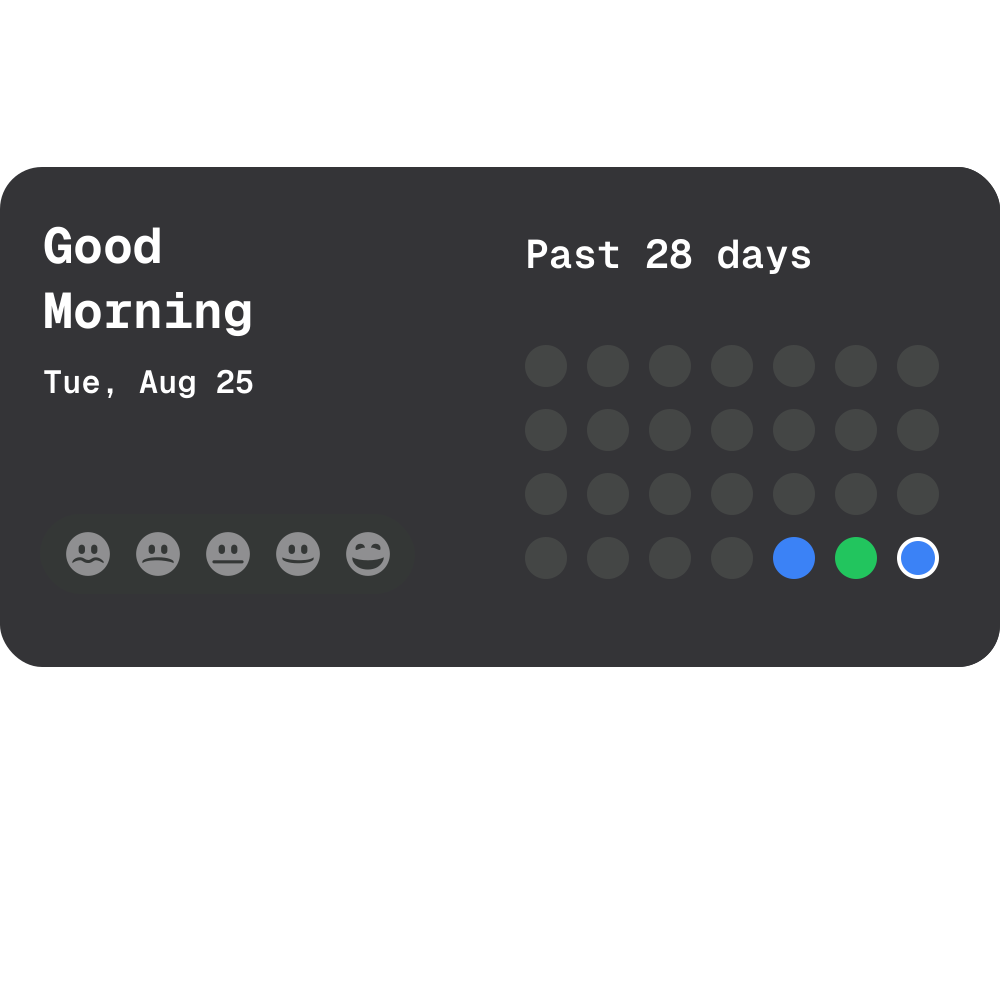
Mood Logger

Mood Logger

6×3

Log how you feel each day and watch the past four weeks fill with color.

Screenshots

See Gridgets in action.

Gridgets widgets on a desktop
Widgets on a desktop
Gridgets in a light theme
Light theme
Widgets arranged around the wallpaper
Widgets around the wallpaper

Installation

Head over to GitHub for the latest release and installation instructions.

Get Gridgets on GitHub

The README covers every install method and the full user guide.